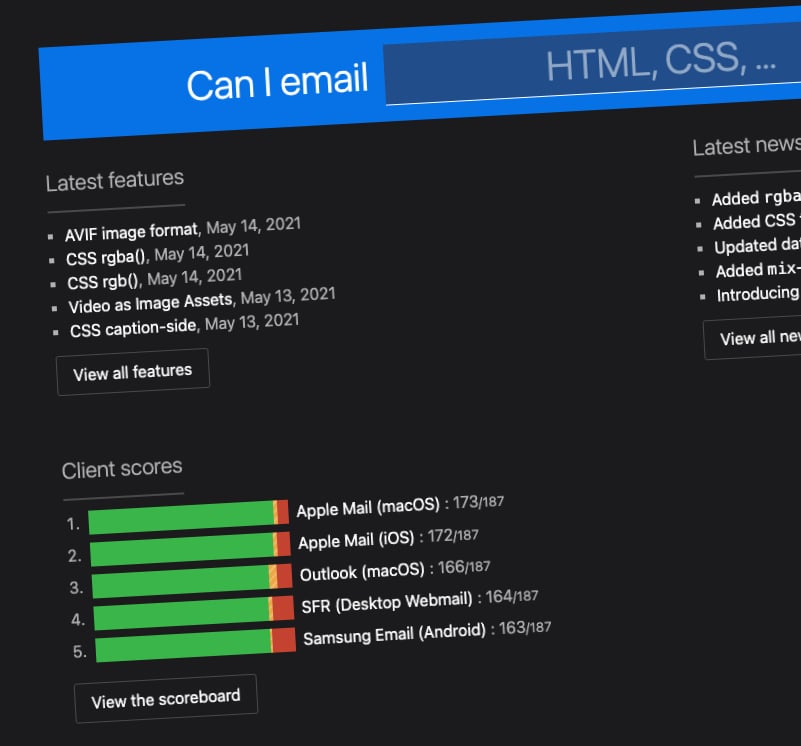
Did you ever have to work on the HTML content for an e-mail? If you did you probably realized how much more constrained email clients are compared to fully-fledged browsers. As a result of that, you cannot simply use all the tags and CSS rules that you love, but only a limited subset. Thanks to this website you can check what is safe for use in an email context.
This brilliant article by Google covers new tooling features in Lighthouse, PageSpeed, and DevTools to help identify how your site can improve on the Web Vitals.
An evolving, interactive glossary of UX research terms. As a web developer, you are probably working with UX professionals. In these cases, it's great to have a common language to be able to collaborate effectively and build great products for your users!
Are you trying to build fast and performant web experiences? Of course, you are! One great way to improve the feeling of snappiness of web pages is to carefully prioritize the order of loading different assets. In this article, you can learn how to apply this idea in practice.
If you have done enough JavaScript, you probably know that the language lacks when it comes to handling dates and times. Thankfully there is a new proposal called ES Temporal that introduces a much more robust set of functionalities that will make handling temporal data a much nicer experience! Check out this article for the details!
“Tree-shaking” is a must-have performance optimization when bundling JavaScript. In this article, we dive deeper on how exactly it works and how specs and practice intertwine to make bundles leaner and more performant. Plus, you’ll get a tree-shaking checklist to use for your projects.
Book of the week
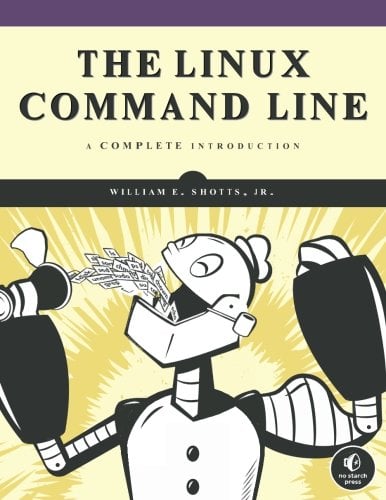
The Linux Command Line: A Complete Introduction
by William E. Shotts Jr.
The Linux Command Line takes you from your very first terminal keystrokes to writing full programs in Bash, the most popular Linux shell. Along the way you'll learn the timeless skills handed down by generations of gray-bearded, mouse-shunning gurus: file navigation, environment configuration, command chaining, pattern matching with regular expressions, and more. In addition to that practical knowledge, author William Shotts reveals the philosophy behind these tools and the rich heritage that your desktop Linux machine has inherited from Unix supercomputers of yore.